Everything your business knows, in one place your AI can use.
Procedures, clients, projects and decisions often live in your head, your inbox and a dozen documents. We bring them into one connected knowledge base that you own, then give your AI assistant access to it, so it answers with your context instead of generic advice.
Five things your knowledge base comes with
One fixed price, from €1,500, agreed before we start. Simple enough to keep up after we leave.
- The structureA short list of note types (client, project, procedure, meeting, decision) and where each one goes.
- Your sourcesThe documents, notes and answers you already have, brought in and sorted.
- The linksEach client connected to its projects, each project to its decisions and people.
- AI accessYour assistant can read the knowledge base, with written rules on what it may read and change.
- The handoverOne session to show you how to add notes, and the rules written down so it stays tidy.
Signs your business needs one
- You answer the same questions from clients or your team every week.
- How things are done lives in your head, so nothing moves when you're away.
- Your notes are spread across email, chat, Google Docs and Notion.
- Your AI assistant gives generic answers because it doesn't know your business.
It suits founders and small teams. If many people need to edit the same pages at the same time, a shared workspace tool may fit better, and we'll tell you.
The connections are what make the AI useful
A folder of documents tells an AI what words appear where. Linked notes tell it how things relate: which client a project belongs to, what was decided and who decided it. That is what lets it answer "what did we agree with this client?" instead of guessing.
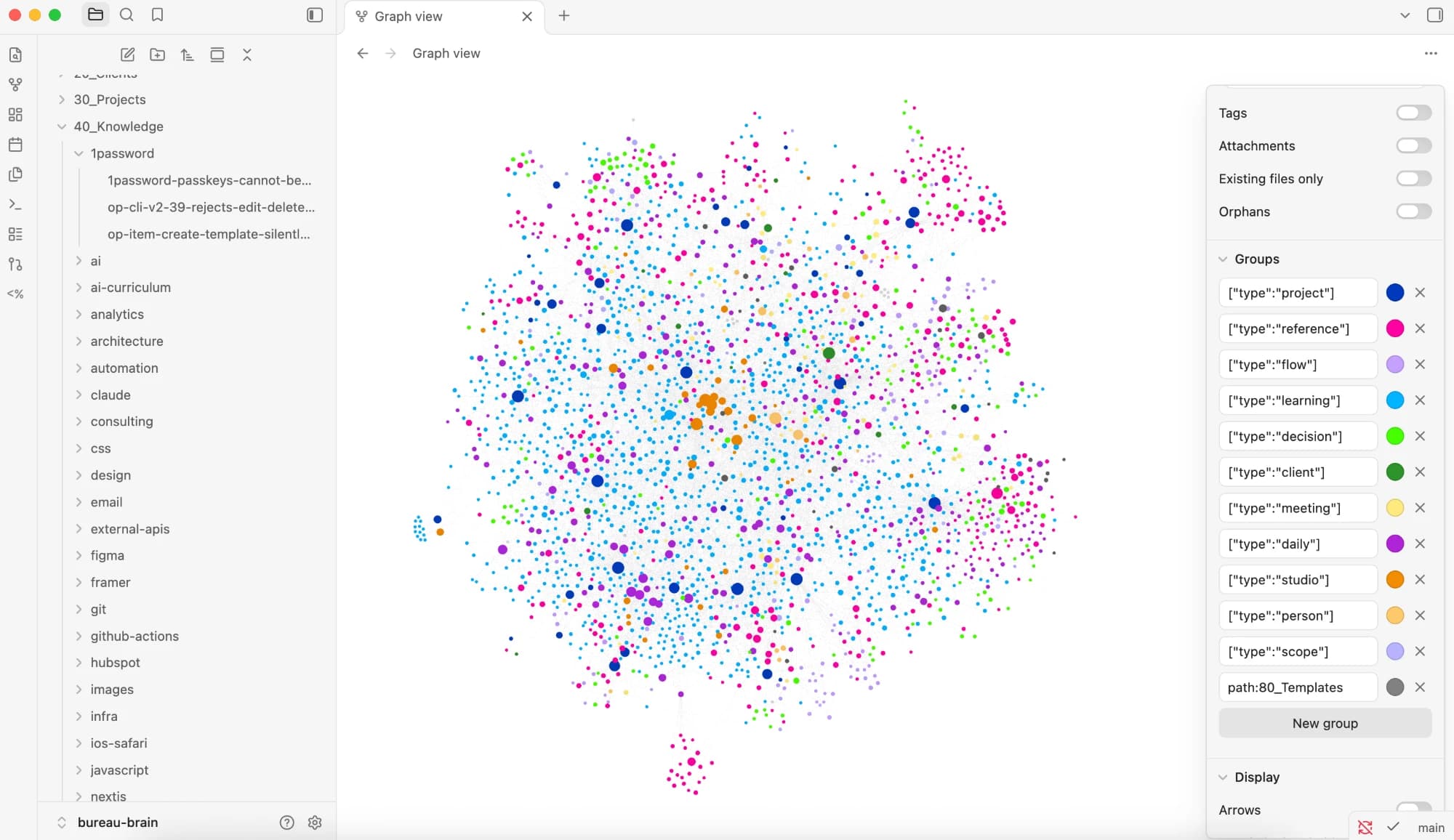
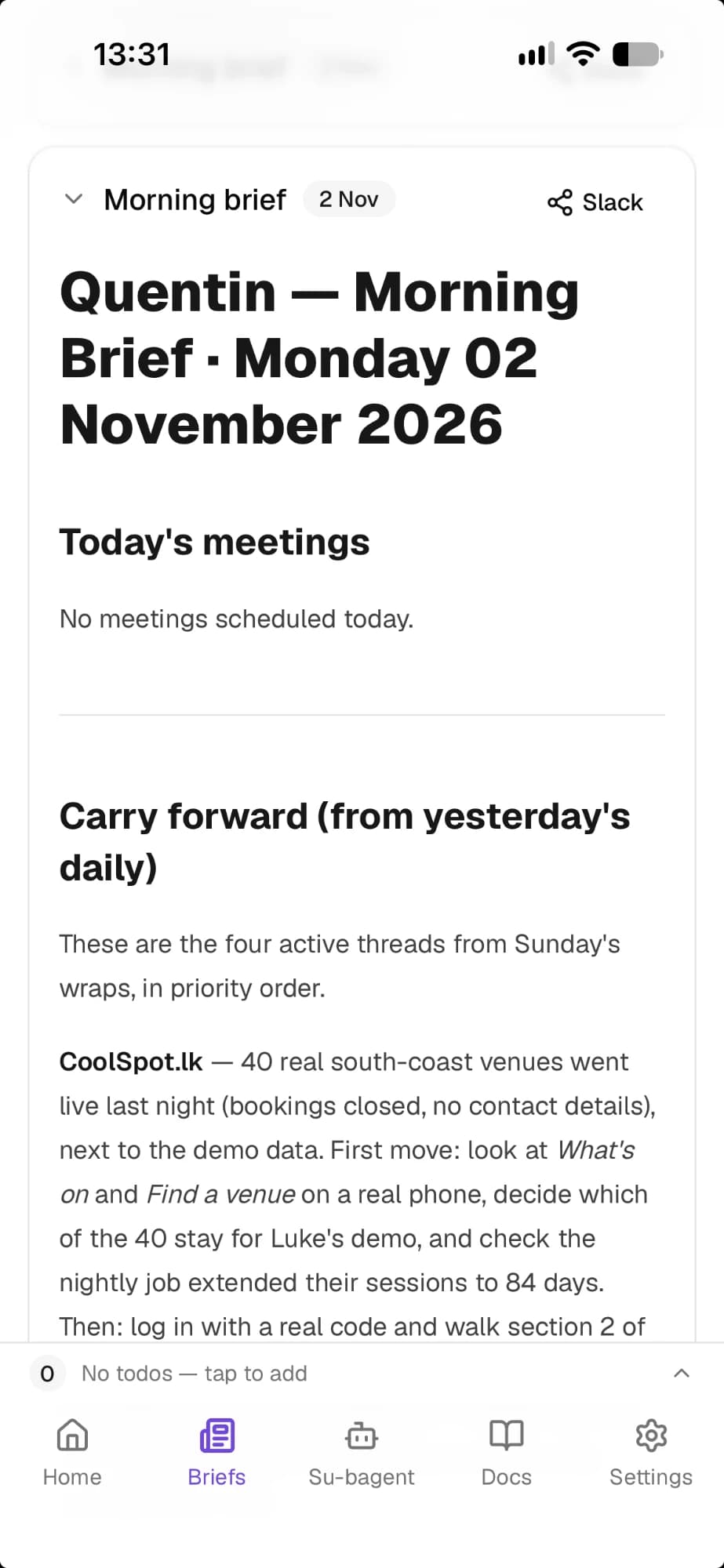
The knowledge base we run Bureau on
Every project, client, meeting and decision at Bureau lives in one Obsidian vault of more than 2,000 notes, in a fixed set of note types, and every note links to at least two others. Each morning our AI assistant reads it to brief us on the day; B-Agent answers questions in Slack from it; and anything the AI adds is checked by one of us first.
Questions about a knowledge base
How long does it take, and what does it cost?
About two weeks, from €1,500 for one person: a fixed price agreed before we start, with half paid to begin. Your Obsidian and AI subscriptions are separate. For a team, we quote after a short call.
What's included?
A kick-off call, the structure and its rules, up to three of your existing sources sorted and linked, your first procedures written from an interview with you, access for your AI assistant, and a handover session with a check-in a month later.
Why Obsidian?
Your notes are plain text files stored on your own computer or drive, so you own them, they work offline and you can leave the tool without losing anything.
Do I need to be technical?
No. If you can write a note, you can keep it up to date; we set up the structure and show you how.
Which AI assistants can use it?
The one you already use, such as Claude or ChatGPT. We connect it with access you control.
Can my team use it too?
Yes, for a small team sharing one knowledge base. It can be shared through Obsidian Sync, a shared drive such as Google Drive, Dropbox or iCloud, or Git, which is how we share ours. We choose the way that fits your team and agree who can change what during setup.
What does the AI see?
Only what you agree it may read. Sensitive notes can stay out of its reach.
Is this a "second brain"?
Close: it is a second brain for the business rather than for one person, organised so an AI can use it too.
Ways we can help
Integration
Connect the tools your business relies on and automate handoffs, updates and repetitive tasks.
Assessment
Map how work gets done, find where it slows down and identify where a process change, software, automation or AI could help.
Product build
Design and build a web product, internal tool or client portal—or help finish a project that has stalled.
What do people keep asking you that only you can answer?
Tell us where your knowledge lives today and what you'd like your AI assistant to know.
Start a conversation